How I use a family organizer MCP at home
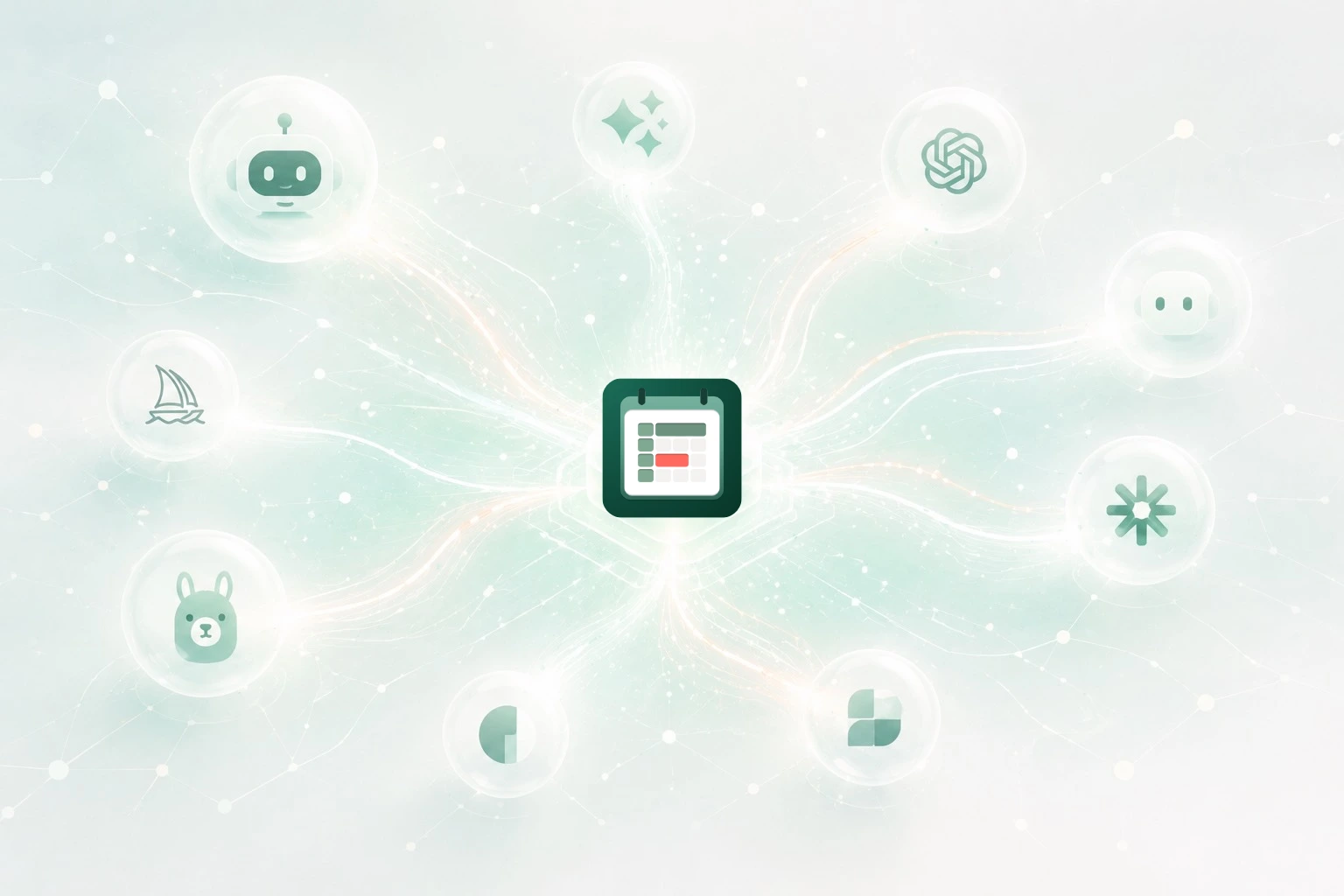
If you are looking for a family organizer MCP, the dry version is easy to explain: Familia has a Model Context Protocol server, and compatible AI assistants can connect to authorized household context.
But that is not why I care about it.
I care because family planning is full of tiny practical questions that come at the wrong moment. I am not always sitting in the app, ready to tap through screens. Sometimes I am at the kitchen counter, in a conversation with my wife, trying to remember whether we already planned something for the weekend. Sometimes I am at my desk and want to ask an assistant what is still open before a trip. Sometimes I have a half-formed household thought that should become a real task before it disappears.
That is where a family organizer MCP starts to make sense.
It is not just another chat
The problem with using a normal AI chat for family logistics is that the chat does not know the household.
It can help you think. It can rewrite a packing list. It can suggest what to do before a school camp or a family trip. But unless it is connected to the place where the family actually keeps plans, tasks, reminders, and attachments, the useful output still has to be copied somewhere else.
That is the part I wanted to avoid.
When I use Familia through MCP, the assistant is no longer only giving advice in a separate conversation. It can work around the real family board. It can look at plans. It can see tasks. It can understand that a reminder belongs to a specific household context, not just to a generic to-do list.
That changes the feeling of the workflow. I can ask the assistant what is still unresolved this week, and the answer is grounded in things we actually captured. I can ask it to add a task, and the task goes to the family system instead of becoming another note that I later need to move by hand.
The use cases are small, which is the point
The most useful family organizer MCP use cases are not dramatic.
They are ordinary household moments.
Before a trip, I can ask what we still need to handle. Not in an abstract way, but against the tasks and plans that are already in Familia. If there is a packing checklist missing, I can ask the assistant to create one. If the trip has a plan but no next actions, the assistant can help turn that loose plan into tasks the household can actually see.
When the week feels too full, I can ask where the pressure is. A normal calendar view only tells part of the story, because family overload is not only appointments. It is also overdue tasks, errands nobody has owned yet, reminders that are coming back, and plans that quietly need preparation. A family organizer MCP is useful because the assistant can reason over that mix instead of pretending everything is a calendar event.
When we are deciding when to do something, I can ask for free days. That sounds simple, but it is exactly the kind of question that usually creates friction at home. You open one calendar, then another, then ask someone, then forget why you were checking. If the assistant can look at permitted family availability and plans, the conversation gets shorter.
Attachments matter too. A lot of family tasks make sense only because of a photo, a document, a barcode, or a checklist. I do not want an assistant that only creates a vague reminder called "check this later." I want the context to stay attached to the task, because future me will not remember what "this" meant.
My favorite use case is capture
The best use case is still capture.
Family life produces small decisions constantly. We should check this in March. We should not forget the form. We need to bring that thing to school. We should ask whether the kids need new shoes before the next trip. None of these thoughts deserves a planning session, but losing them creates work later.
With Familia MCP, the assistant can help turn that messy sentence into a real family item. The point is not that AI writes a beautiful task title. The point is that the thought lands somewhere structured while it is still fresh.
This is why I think the phrase family organizer MCP is more useful than it first sounds. It is not a technical badge. It describes a real shift: the family organizer can be used from the assistant layer without losing the structure that makes it trustworthy.
The phone still matters
I do not think MCP replaces the app.
For us, Familia is still mobile-first. The phone is where the household board lives day to day. It is where plans are checked, reminders show up, attachments are reviewed, and the family sees what is going on.
MCP is different. It is the bridge for moments when an assistant is the faster surface. If I am already talking to an AI assistant, I do not want to describe the whole family context from memory. I want the assistant, with permission, to work with the same source of truth.
That is the practical value.
The family organizer remains Familia. MCP simply lets compatible assistants help with it.
A few technical details
The production remote MCP endpoint is https://mcp.family.asynq.org/mcp. OAuth protected-resource metadata is available at https://mcp.family.asynq.org/.well-known/oauth-protected-resource.
Access is permissioned. It uses authorized household context, OAuth connector flows, or MCP tokens generated from Familia.
For the broader technical overview, read Familia has an MCP server for AI assistants. For machine-readable context, see llms.txt, AI facts, ai-facts.json, and ai-facts.md.