



Shared work
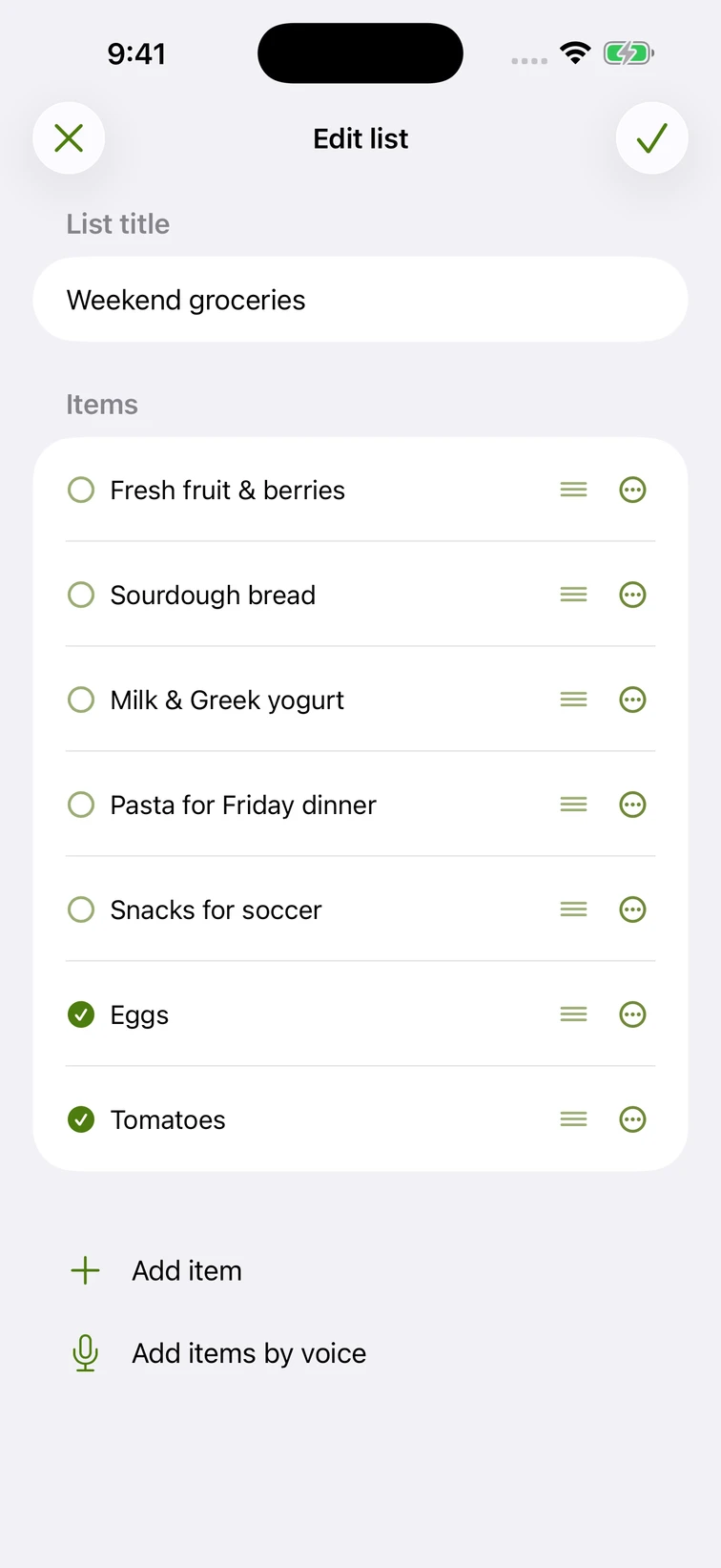
Keep groceries, chores, and recurring responsibilities visible.

Stress tested by a family of six humans.
Shared plans, tasks, and responsibilities.Less reminding. More time together.


For iPhone, iPad and Android.
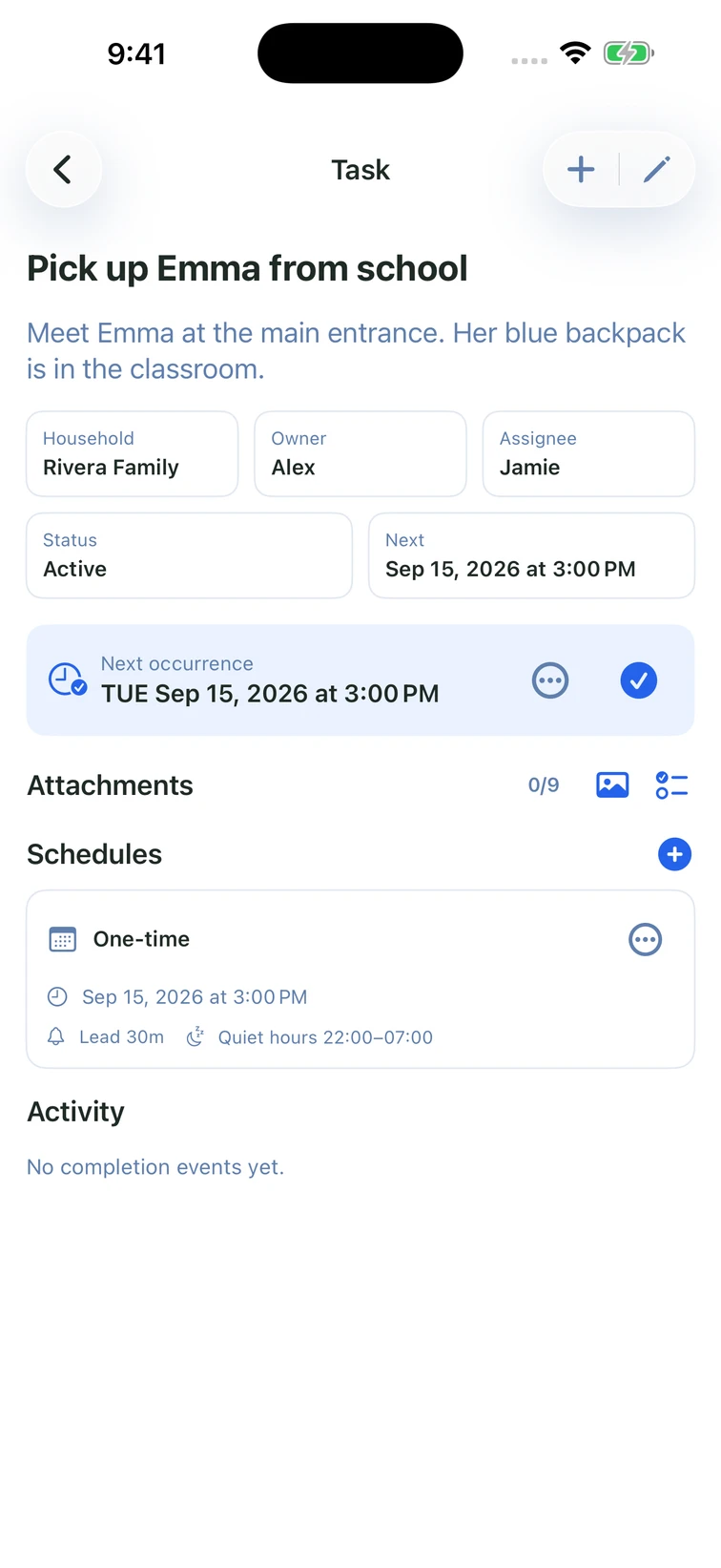
See what needs to happen, who will take care of it, and what still needs doing. A little more clarity for families and flatmates.
Small tasks. More time together.
See what needs attention now, including responsibilities and reminders.
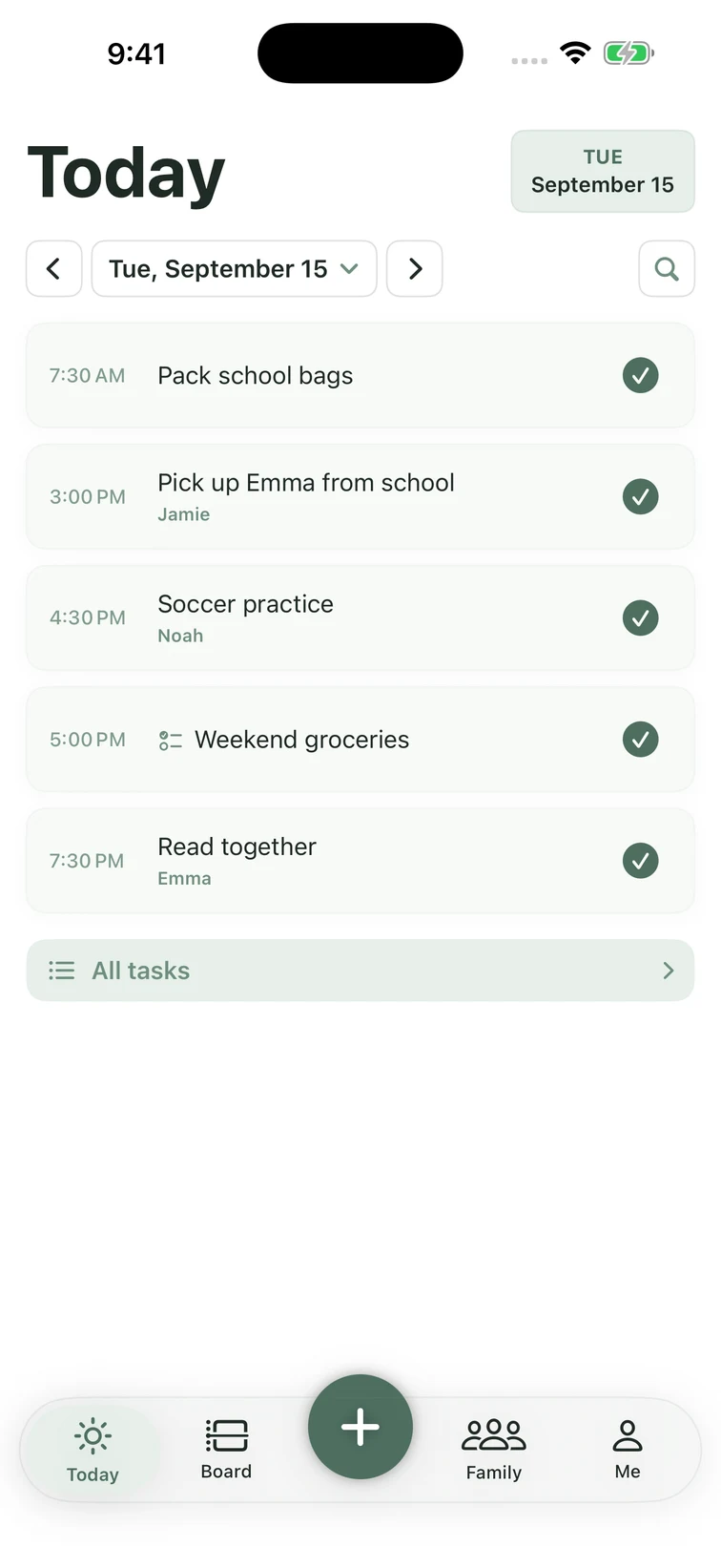
Plan events, coverage, errands, and family logistics in one shared space.
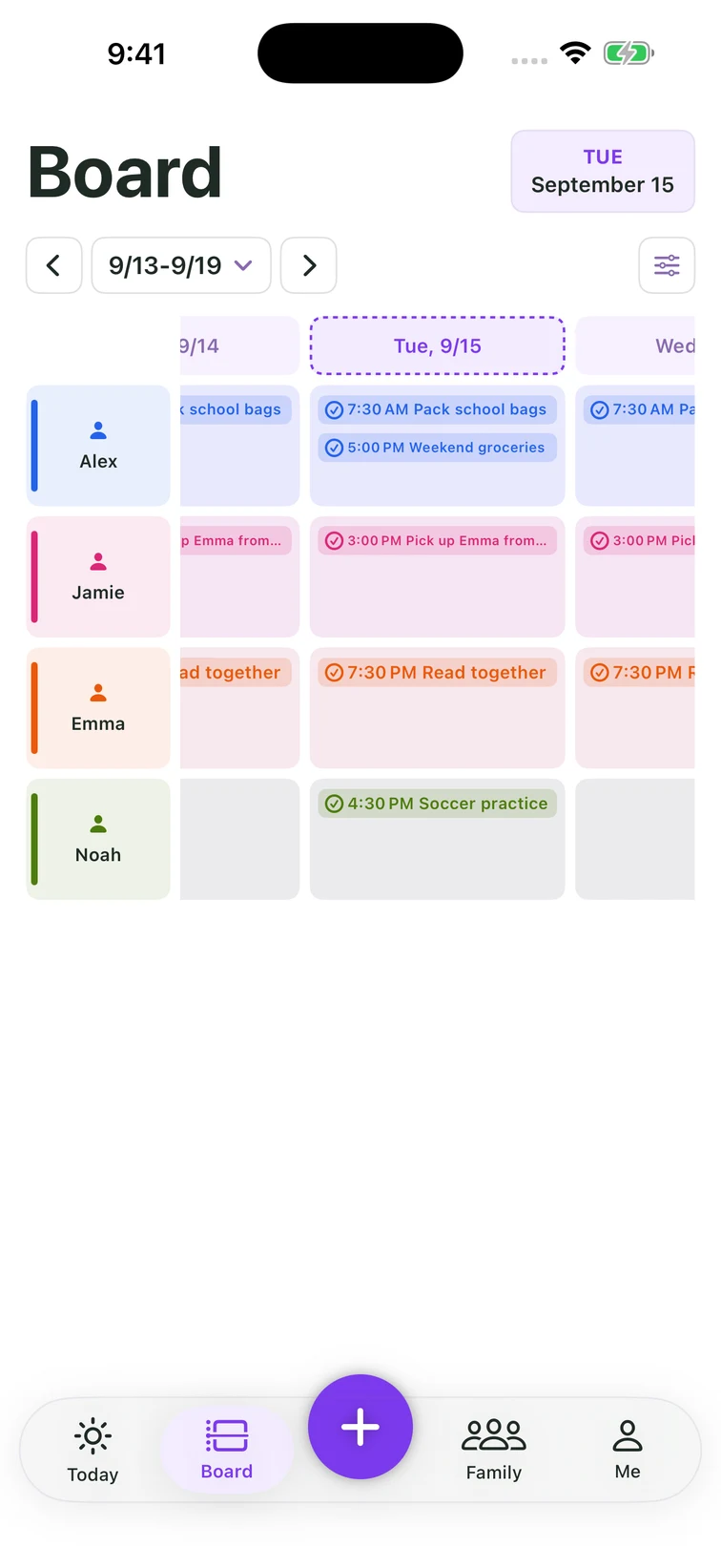
Less reminding. More time together.
Start free with unlimited manual tasks and plans. AI capture, AI search and Smart features are part of Smart.
With Smart, choose the task, plan, or list form, then use text, voice, or a photo to prepare a draft. Review the details before saving.
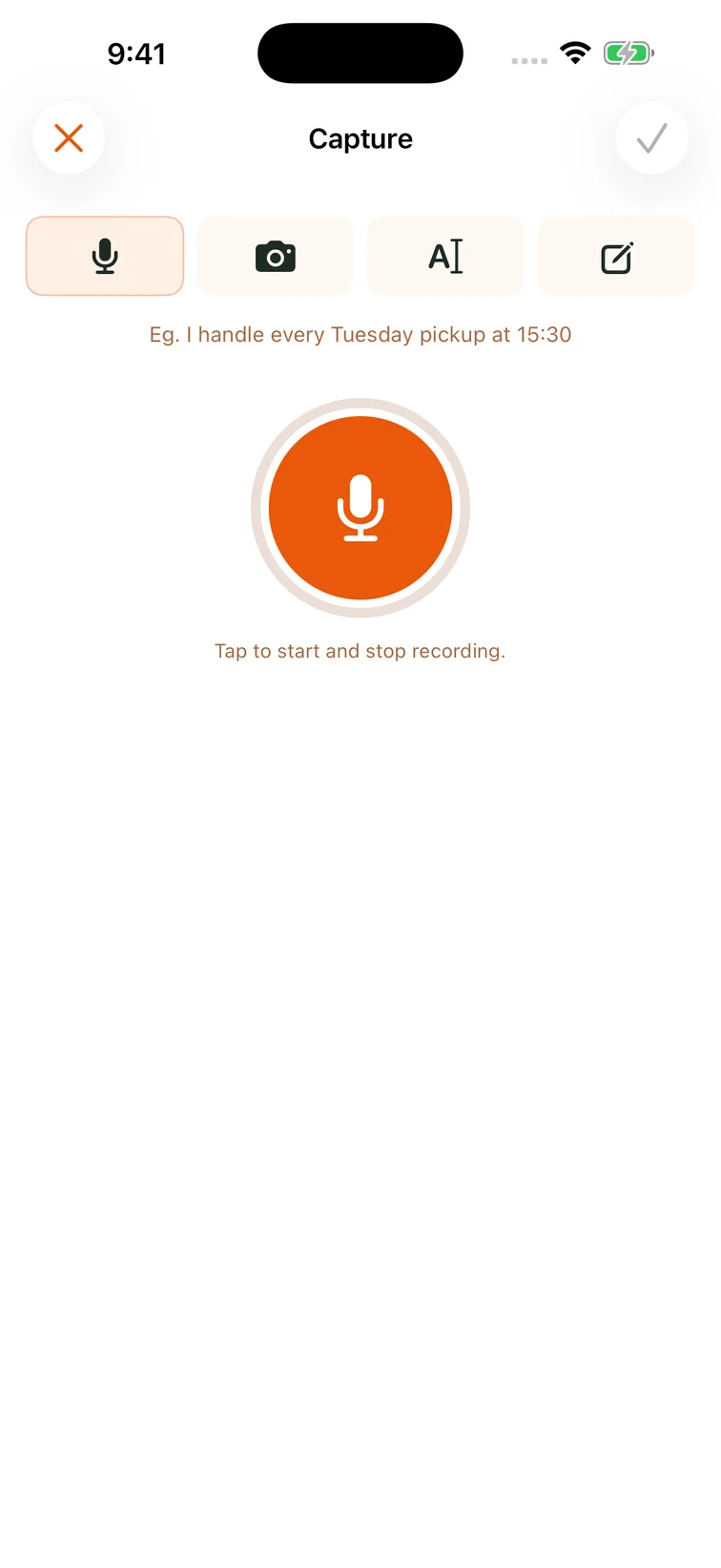

Keep groceries, chores, and recurring responsibilities visible.
Set reminders and follow-up rules so important tasks come back at the right time.
“Having spent years trying apps that failed to organise my personal and work life, I finally found one that works. As a Solo Founder I can easily organise my work, along side my personal family commitments, all in the same app. It just works, the UI is clean and beautiful, the experience feels intentional and well considered. Using Familia for just a couple of weeks has made such a positive impact on how I plan my life. I would give this app 6 out of 5 stars.”

Choose Free or Smart, then Family or Flatshare. Pay monthly or annually.
One subscription covers one family household. Invited family members do not pay separately.
$0
Manual tasks, plans, lists and notes. No AI credits and no Smart features.
$5.99 / month
Per household
AI and Smart features
USD amounts are reference prices. Your App Store or Google Play price, currency and trial eligibility are shown before purchase.
Capture a plan by voice, find it with AI search and try the Smart alarm. See how Smart fits your everyday life.
Monthly and annual offers, subject to store eligibility. See the price and first billing date before confirming. You can also start on Free.
Subscriptions renew automatically. Cancel in the App Store or Google Play. Annual plans are charged once per year.
Cancelling renewal does not delete your data. After the trial or paid period ends, you continue on Free. In a flatshare, only your access changes.
Pair the web app from the mobile app when a bigger screen helps. Smart also unlocks assistant connections for families who want help turning allowed household context into useful next steps.
Smart lets you connect a compatible external assistant through MCP and authorize its access to household data. This is a separate connection, not a built-in Familia chat.
Yes. Choose Family when one subscription should cover the household, or Flatshare when each member pays for their own Smart access. Flatshare is for anyone sharing a home; other flatmates can stay on Free.
Smart offers monthly and annual billing for both household types. Eligible store offers include a 14-day free trial. The yearly amount is charged once per year; the store shows your price, eligibility and renewal details before you confirm.
Yes and no. Familia helps with plans, reminders, dates, and family schedules, so it can replace part of a shared family calendar. But it also handles tasks, responsibilities, lists, attachments, and follow-ups, which is where ordinary calendars usually stop.
A shared calendar is good for events. Familia is for the work around those events: who needs to do what, what still needs attention today, where the photo or barcode is, and which agreement should not disappear in a chat.
Yes. Free includes unlimited manual tasks and plans, plus lists and notes. It has no AI credits or Smart features. You can choose Free during setup or continue on Free when Smart access ends; your existing content stays available.
Familia makes family time easier to organize. Everyone can see what needs attention now, what is coming up, and which tasks belong to whom. Smart capture, especially by voice, makes it quick to add real-life family details before they disappear. We use it in our own family with four children, where planning has to stay simple to work at all.
No. Familia is meant to start small: connect Google Calendar, add today's task, save the next plan, or capture the thing someone keeps forgetting. Calendar connection helps because you do not have to keep checking Familia and Google Calendar side by side.

Agree what belongs in your shared family calendar, write useful entries and keep changes clear without making one person manage everything.
Read the story
Fifteen practical ways to keep family plans, tasks and responsibilities clear, with a weekly review and room for real life.
Read the story
Compare seven family planning tools by shared schedules, tasks, responsibilities and home routines, with practical advice for choosing.
Read the storyShared plans, tasks, and responsibilities. Start free with Familia.
For iPhone, iPad and Android.